I. Overview
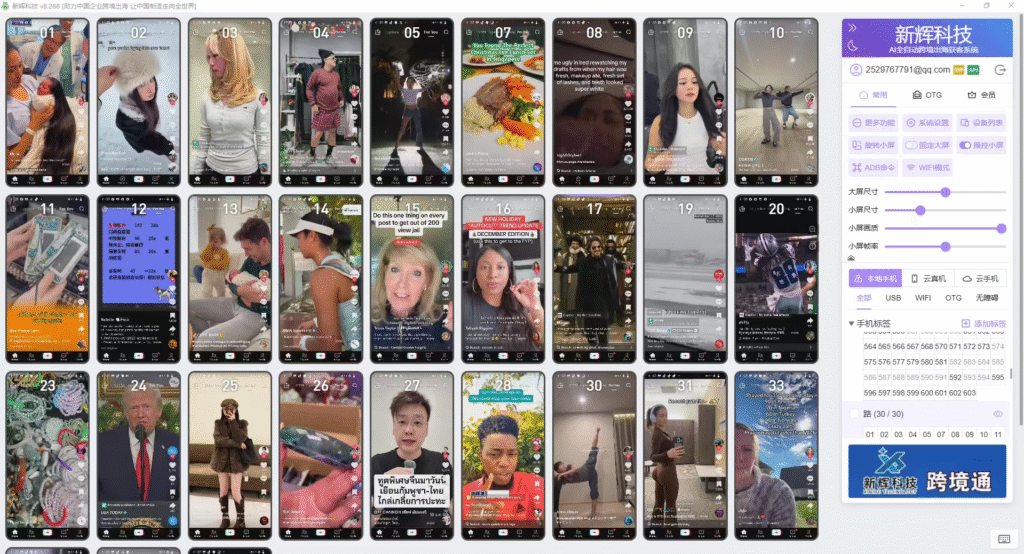
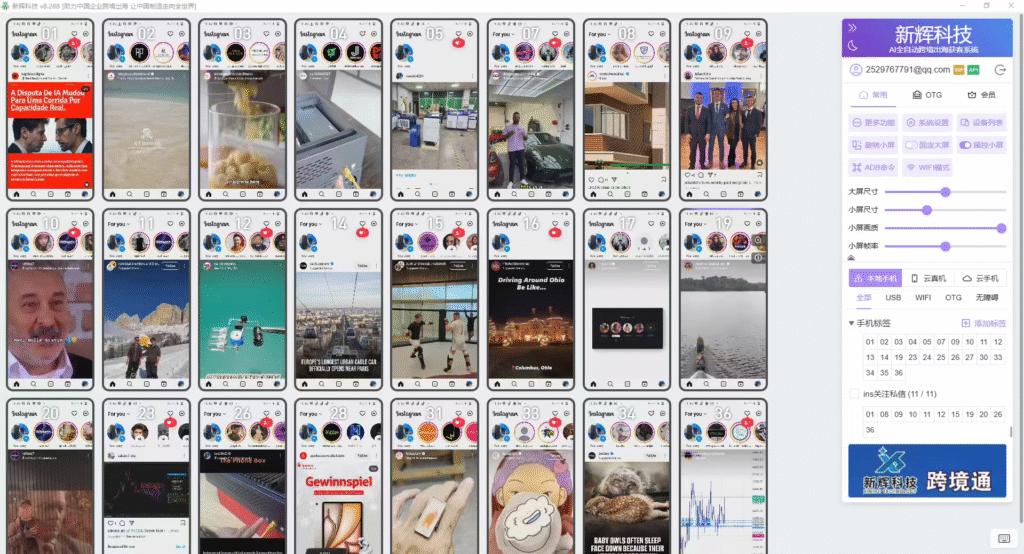
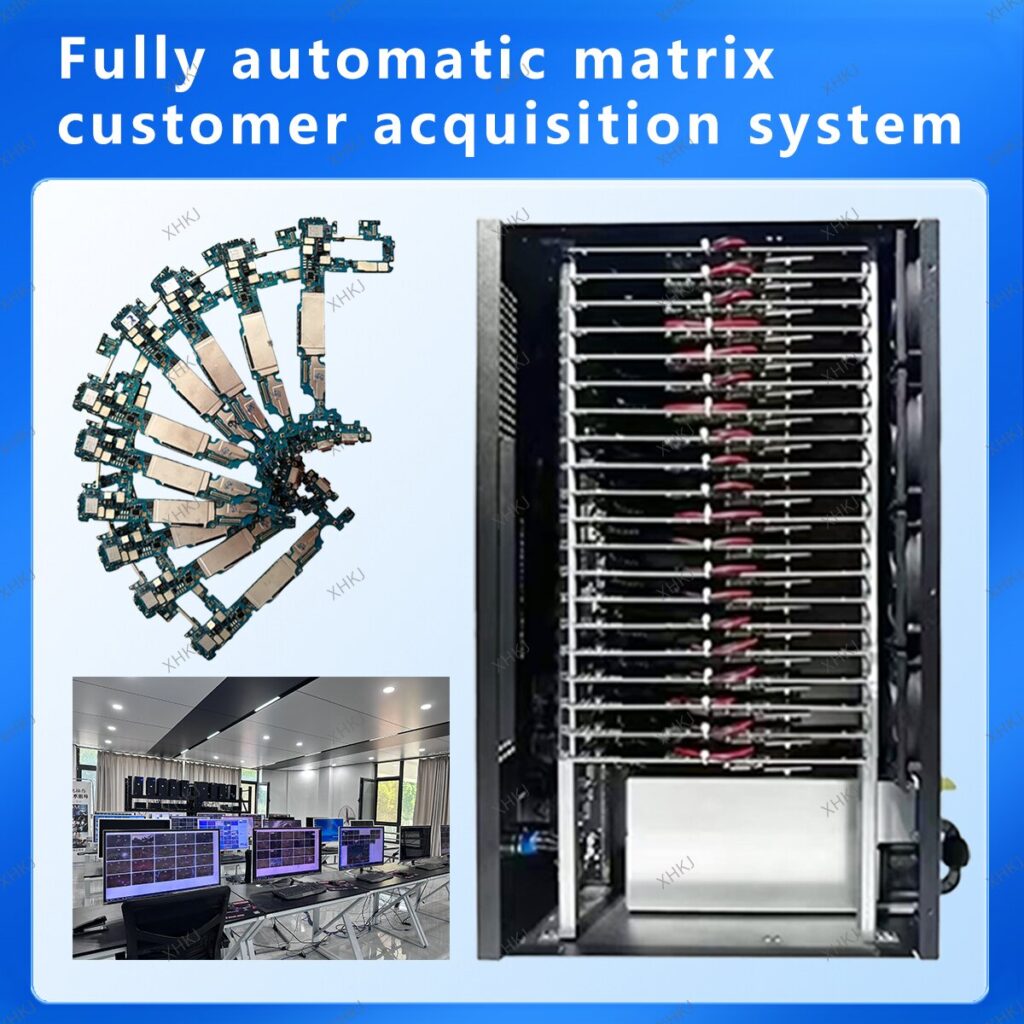
This software is a professional-grade smartphone cluster management solution. Through a central control terminal, it enables batch and automated control and operation of a large number of Android devices. Its core value lies in transforming repetitive manual operations into efficient automated processes, significantly improving work efficiency in scenarios such as social media marketing, application testing, and data collection.
II. Detailed Core Functional Modules
Based on the interface display, the software functions can be divided into the following six modules:
1. Basic Device Control
Turn On Screen: Remotely activate the screen of specified devices.
Turn Off Screen: Remotely turn off the device screen to save power.
Modify ID/Name: Set unique identifiers for each device for easy identification and management.
Move Tags: Flexibly assign devices to different categories or project groups.
2. Application and File Management
Install APK: Silently install applications on selected devices in batches.
Phone Applications: Centrally manage (view, launch, uninstall) applications on all devices.
File Distribution: Send files (e.g., images, videos) to multiple devices simultaneously.
Import/Export Files: Transfer files between the control terminal computer and mobile devices.
Export Clipboard: Collect clipboard content from all devices centrally.
3. Automated Scripts and Tasks
Record Actions: Record manual operations (e.g., clicks, swipes) on the phone to generate repeatable scripts.
Execute Actions/Tasks: Run pre-recorded or written automated scripts in batches.
Task Queue: Manage the queue of automated tasks to be executed.
End Task: Force stop running automated tasks.
4. Advanced Commands and Input
ADB Commands: Support sending Android Debug Bridge commands directly for advanced operations.
Auto Swipe: Simulate finger swipe actions on the screen for browsing content.
Text Distribution: Send a piece of text to the specified input fields of multiple devices simultaneously.
Quick Phrases: Preset commonly used text snippets for rapid input.
Switch Input Method: Remotely switch the input method used by the device.
5. Device Settings and Optimization
Set ID as Wallpaper: Set the device’s ID as the phone wallpaper for easy physical identification.
Switch to WiFi Mode: Switch the device’s network connection mode with one click (inferred function).
III. Application Scenarios
Social Media Operations: Manage accounts in batches for automated likes, comments, content posting, and account maintenance.
Live Stream Interaction Boost: Simulate real users entering live streams, sending bullet comments to increase popularity.
App Promotion and Testing: Install and run apps in batches on multiple devices for functional testing or ranking boosts.
E-commerce and Content Marketing: Post product information in batches for short video matrix promotion.
Data Collection and Analysis: Automate the collection of public data for market research.
IV. Core Advantages
Efficient Batch Operations: One person can easily manage hundreds or thousands of devices.
High Automation: Streamline and automate complex processes through recording and scripting functions.
Centralized Management: Unified control of all devices with clear status overview and extremely convenient operation.
Flexible Customization: Support for ADB commands and custom scripts to meet personalized advanced needs.